KDevelop
KDevelop is a free, open source IDE for all desktop platforms.
Importing the project
- From the KDevelop's main screen select Open Project.
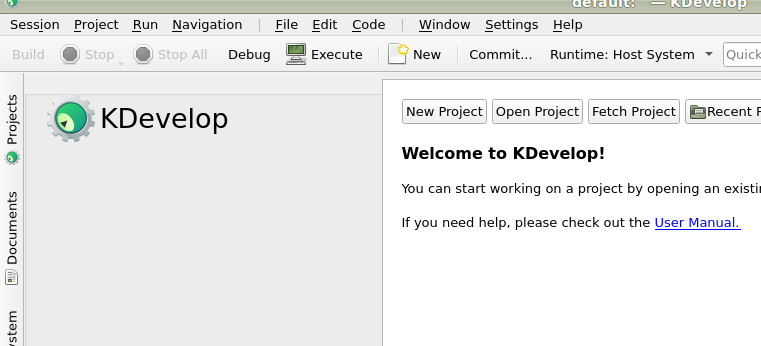
- Navigate to the Redot root folder and select it.
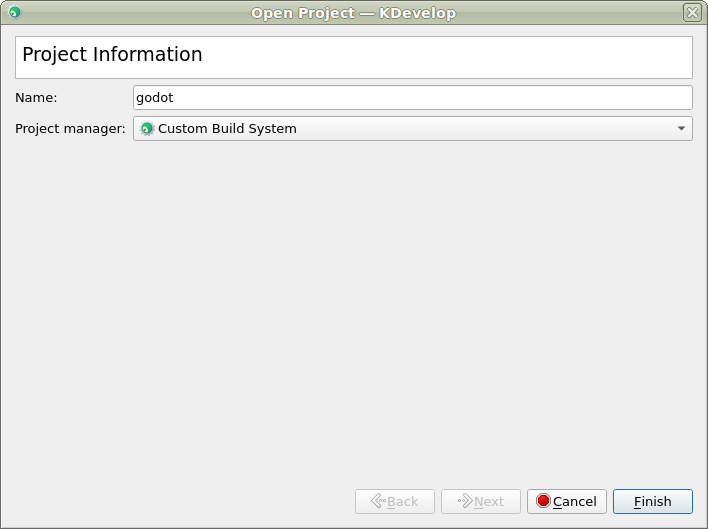
- On the next screen, choose Custom Build System for the Project Manager.
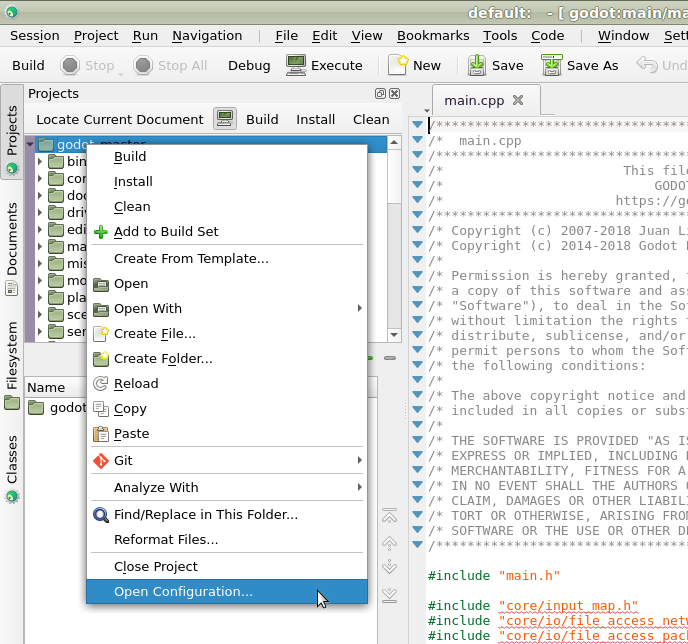
- After the project has been imported, open the project configuration by right-clicking on it in the Projects panel and selecting Open Configuration.. option.
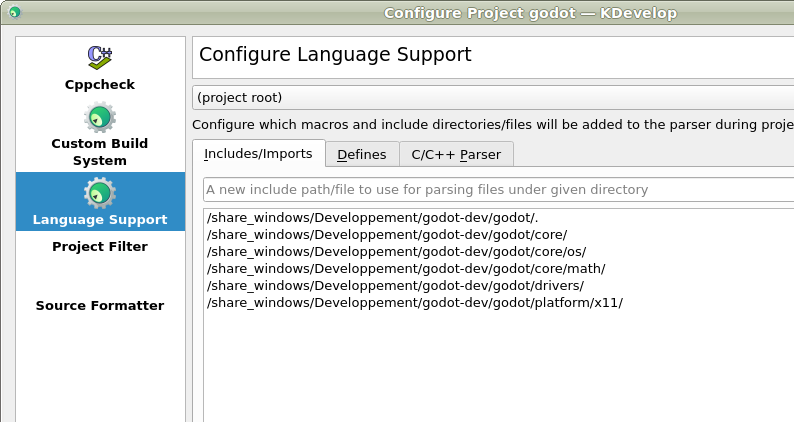
- Under Language Support open the Includes/Imports tab and add the following paths:
.  // A dot, to indicate the root of the Redot project
core/
core/os/
core/math/
drivers/
platform/<your_platform>/  // Replace <your_platform> with a folder
                              corresponding to your current platform
- Apply the changes.
- Under Custom Build System add a new build configuration with the following settings:
| Build Directory | blank |
|---|---|
| Enable | True |
| Executable | scons |
| Arguments | See Introduction To The Buildsystem for a full list of arguments. |
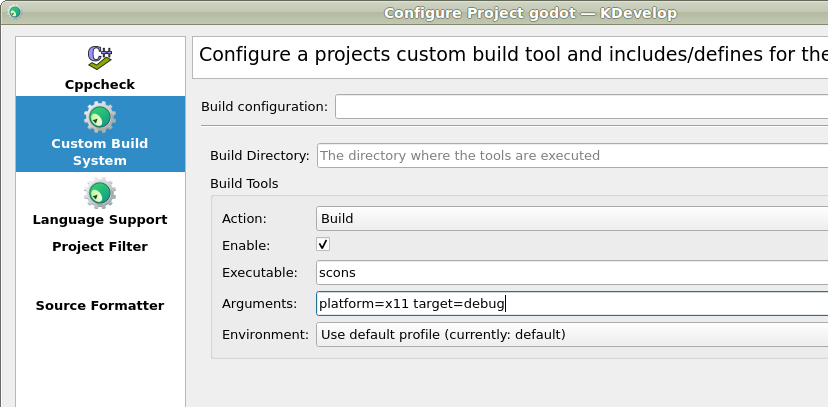
- Apply the changes and close the configuration window.
Debugging the project
- Select Run > Configure Launches... from the top menu.
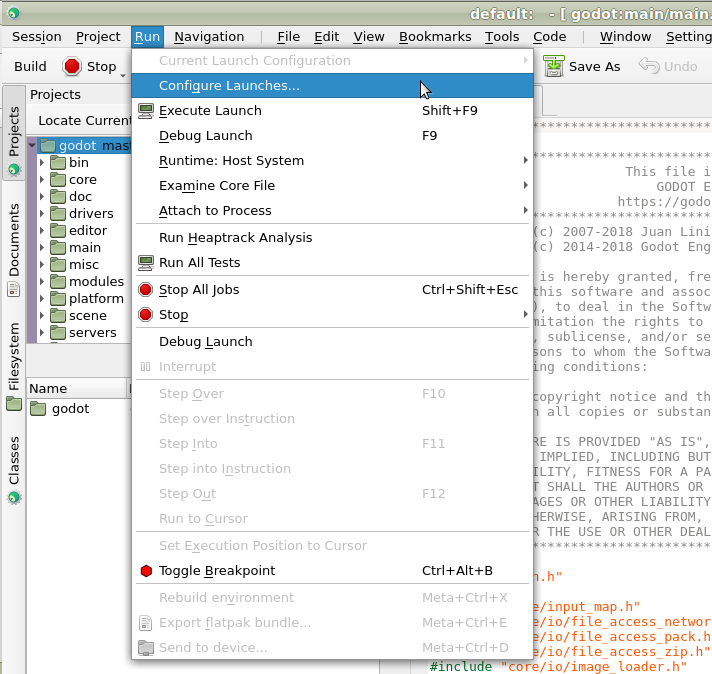
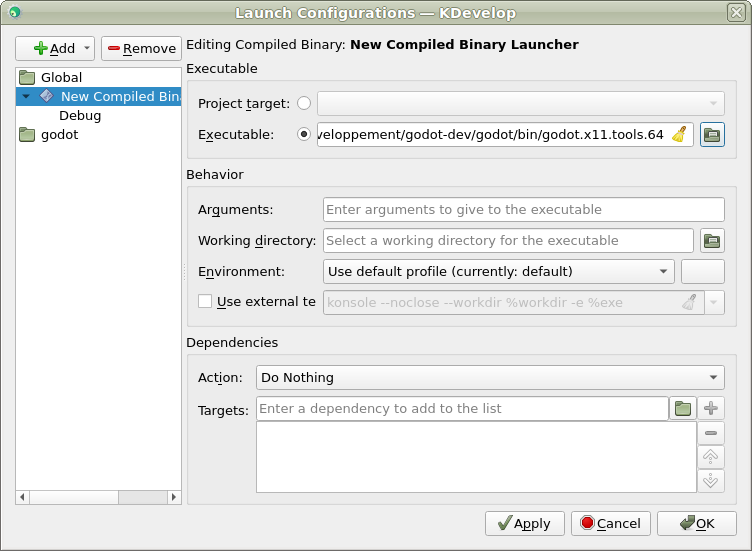
- Click Add to create a new launch configuration.
- Select Executable option and specify the path to your executable located in
the
<Redot root directory>/binfolder. The name depends on your build configuration, e.g.Redot.linuxbsd.editor.dev.x86_64for 64-bit LinuxBSD platform withplatform=editoranddev_build=yes.
If you run into any issues, ask for help in the Redot discord server.